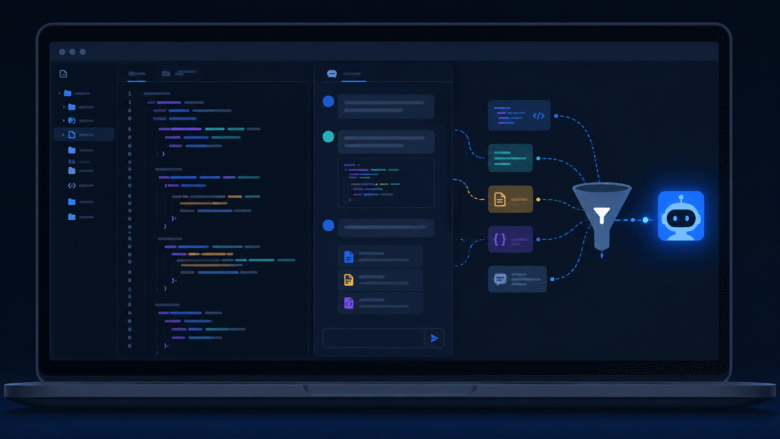
Dumping your whole codebase into an AI assistant doesn’t make it smarter — it makes it worse. Here’s how to build a real context budget that cuts token waste and gets code you can actually trust.

A migration that runs instantly on your local database can lock a production table for hours. The fix is splitting schema changes from data changes into small, safe steps.

No API costs, no data leaving your machine — but the capability gap is real. Here’s how to actually decide, task by task, instead of treating it as an ideological choice.

Dependency injection doesn’t require a framework or ceremony — just handing a function its dependencies from the outside instead of letting it construct them internally.

Retrieval-Augmented Generation stripped of the acronym: fetch relevant data at query time and hand it to the model, instead of retraining on your own data.

Feature flags separate deploying code from releasing a feature — the single change that removes the most stress from shipping on a small team.
You are six months into a codebase and a bug surfaces in production. You open git log and find: “fix”, “WIP”, “update”, “asdf”, “fix2”, “final”, “final_FINAL”. The history tells you nothing. You cannot bisect, you cannot understand intent, and you cannot determine whether any of those commits introduced the regression. This is not a minor …
You have GitHub CLI installed. You use it to clone repos and maybe open a pull request from the terminal. That covers about 10% of what it can do. The other 90% — the part that eliminates context switches, automates repetitive repository tasks, and lets you drive your entire GitHub workflow without touching a browser …

You ask the model to review your authentication middleware. It returns a surface-level summary: “the code looks clean, consider adding error handling.” That output is useless. The model did not understand its role, the codebase context, or what “review” actually means in a production environment. Role prompting fixes this — not by making the model …
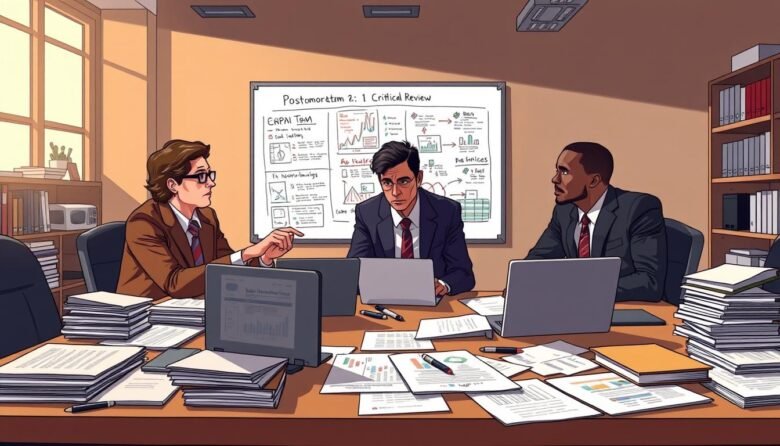
Find out how to write a post-mortem software document that actually prevents the next outage. Our how-to guide covers best practices for effective post-incident analysis.